
Visualize your work.

“It is not enough to do your best; you must know what to do, and then do your best.” – W. Edwards Deming
In many ways my atomic sticky notes (really need a new name for them, and I am fully open to suggestions) evolved out of a Lean manufacturing scheduling system originating in Japan, invented by Taiichi Ohno, called kanban.
I’ll add some more details here about kanban later because it’s fascinating, but for now it’s important only to note that it’s evolved to become a scheduling tool in Agile software development and even a personal productivity framework, as we’ll explore.
Let’s take a quick look at our card:
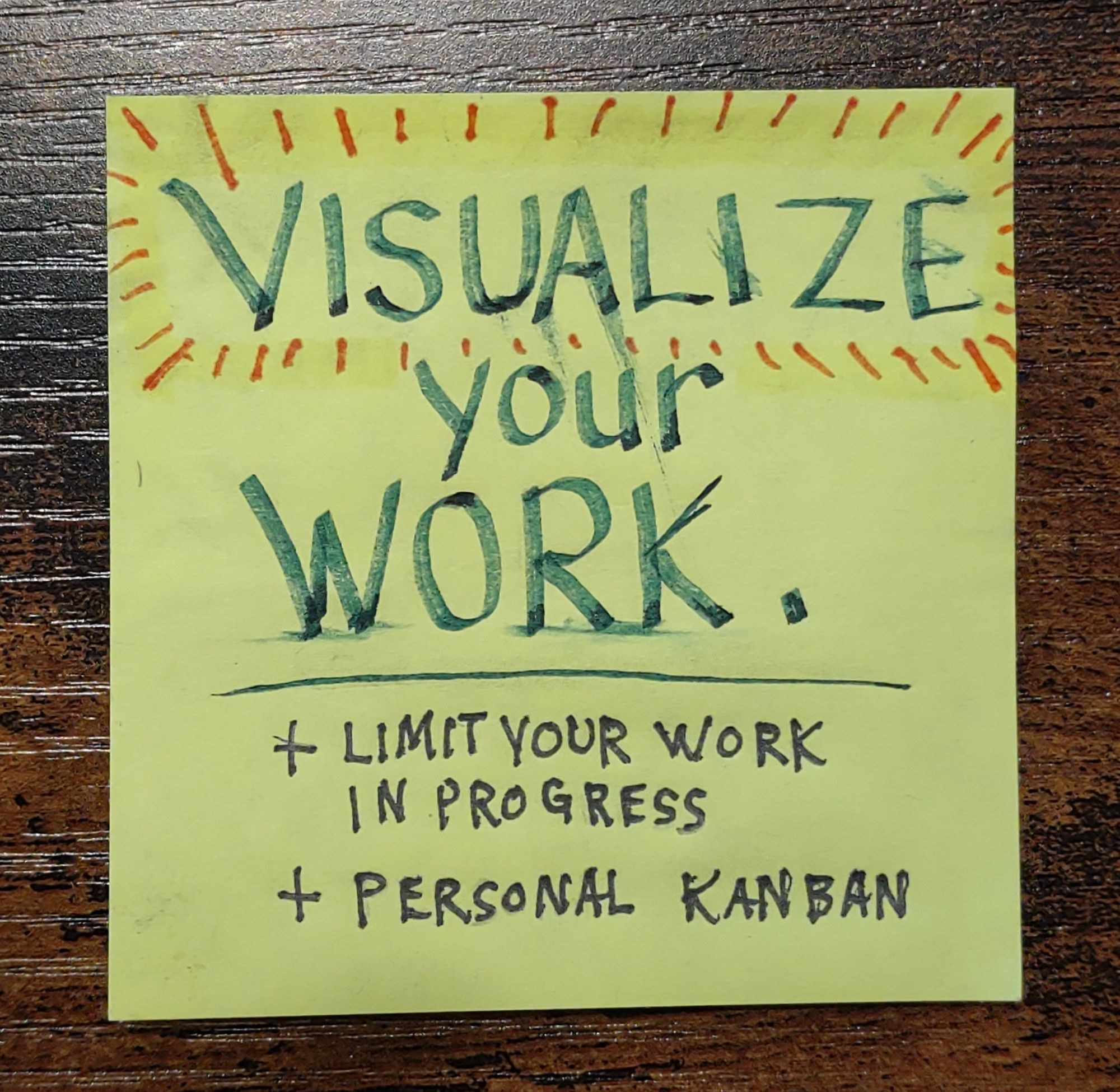
The premise is simple… first, visualize your work. Then, limit your work in progress.
That’s it. Those are the rules of Personal Kanban.
A light and flexible framework
All else is flexible and mutable to customize as you desire. Visualizing work enables better cognition, conversation and collaboration where needed and is just often the most human way to process and convey information.
Create a few columns on a white board for “To do“, “Doing“, “Done“, and add tasks on sticky notes to the appropriate columns.
Tasks move from left to right across the board. As tasks progress, physically move the appropriate sticky note to the next column, then pick something to replace it from the column to its left.
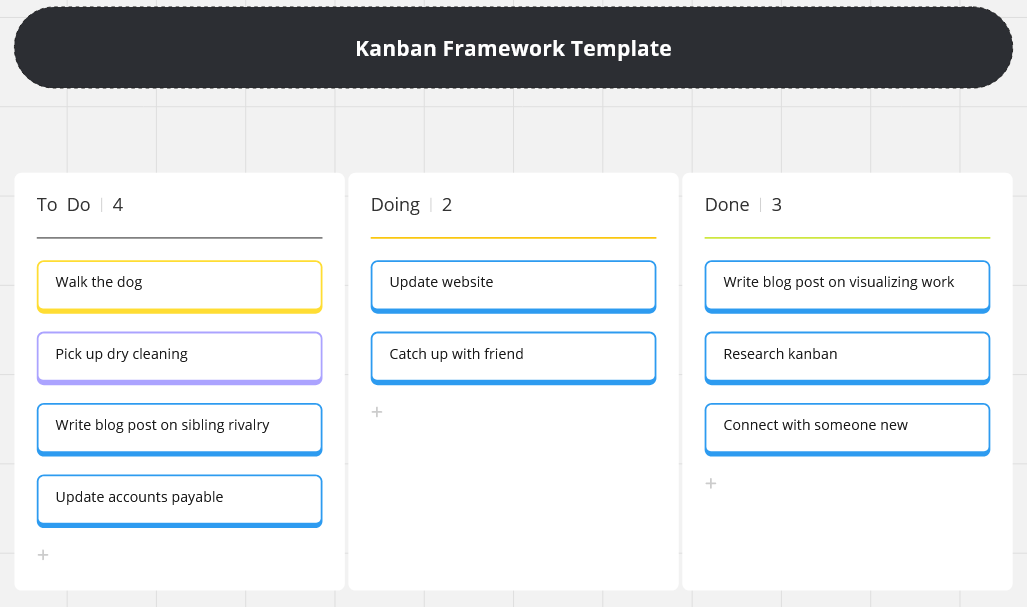
Take a moment to notice that the tasks here are a mix of work and personal… the fiction that work and life are separate things that can be balanced should be rejected, because really, do you stop thinking about life while you’re at work and vice-versa?
Limit your work in progress
Limiting the number of items in the “Doing” column turns the sticky notes into a kind of currency that you can choose to spend in real time. Finishing an item on the board moves it from “Doing” to “Done“… now, what will you pull from “To do” to work on next? Something quick? Something easy? Something high priority?
A scalable system
The system is infinitely adaptable and scalable. Just map your particular value stream onto as many columns as you need. For example, a writer might have a value stream that looks like “Ideas“, “Draft“, “Edit“, “Publish“.
| Ideas | Draft | Edit | Publish |
One of the benefits of using a kanban system for task and process management is its scalability – it can be used by an individual or by large global teams, thanks to a cornucopia of online tools that let you share boards and collaborate with others.
But on a personal or small team level, all you need to throw up a quick kanban board are a bunch of sticky notes and something to write with. I’ve created impromptu boards on my walls and refrigerator at home, for example.

Notice that the “Doing” column has a limit of 3 tasks that can be in progress at any time. So only by moving a task to the “Done” column can I pull a new task into “Doing” from “To do“.
Notice also that the notes are different colors, and some have details included. These are additional ways to convey meaning visually, if you’d like to use them. In this case orange and pink are column titles, yellow designates one project I’m currently working on, and blue indicates another.
What now, and why here?
For a true introduction to Personal Kanban, you can learn more from creator Jim Benson in this short video:
You can also find his Personal Kanban book, written with his frequent collaborator Tonianne DeMaria, on Amazon.
But the reason that I bring it up here in a parenting blog is twofold:
- A little thing like, I don’t know, organizing your life can offer great rewards in your relationships with your children, and…
- It is a *wonderful* thing to teach your children to help them organize their own lives.
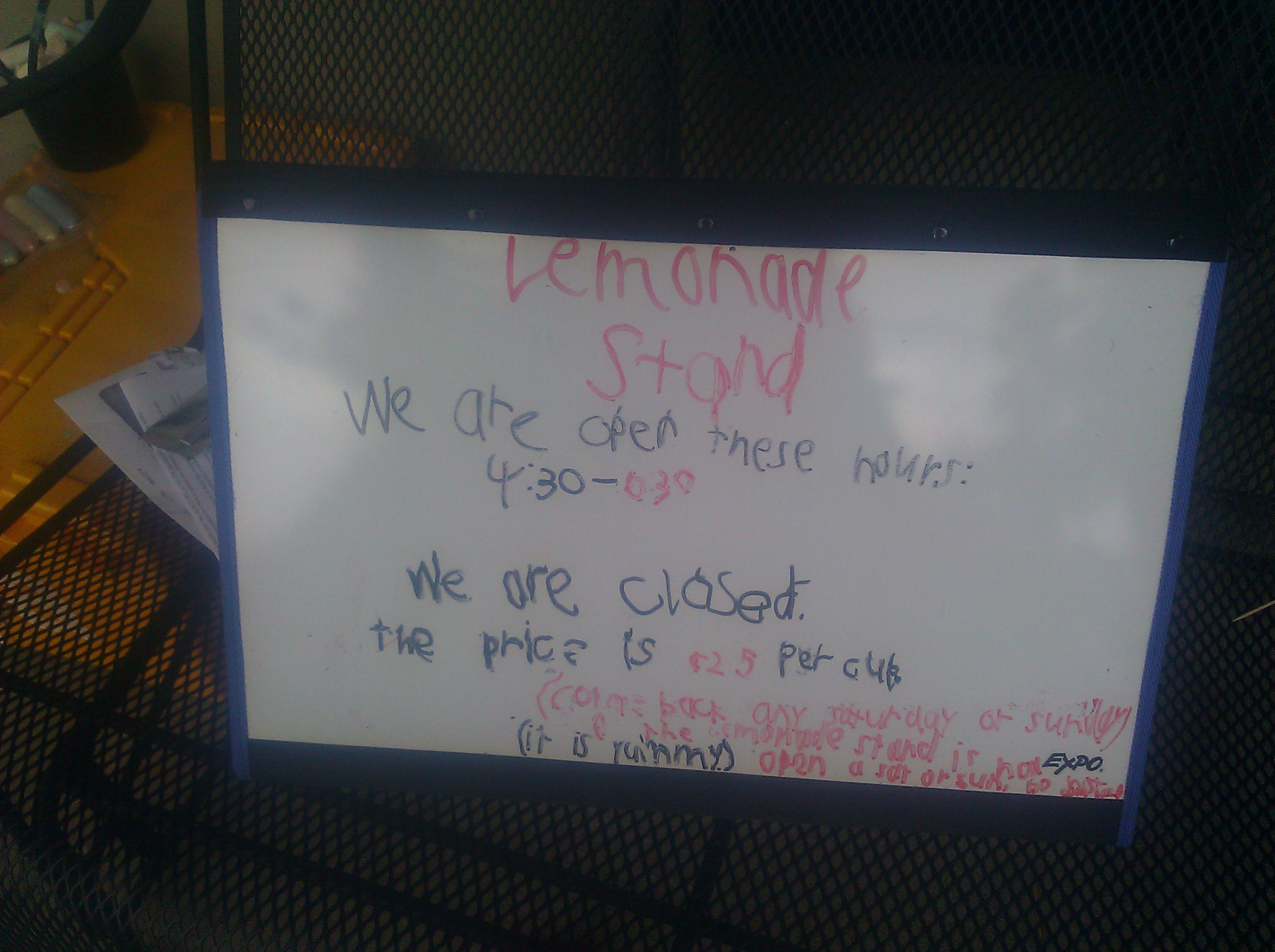
I’m looking frantically for a picture (edit: found it below!), but one of my fondest memories with my son is teaching him how to use kanban and helping him create a kanban board for his first lemonade stand. His value stream was “Ready“, “Set“, “Go!” and he had sticky notes with tasks like “buy lemons” and “make a sign”.
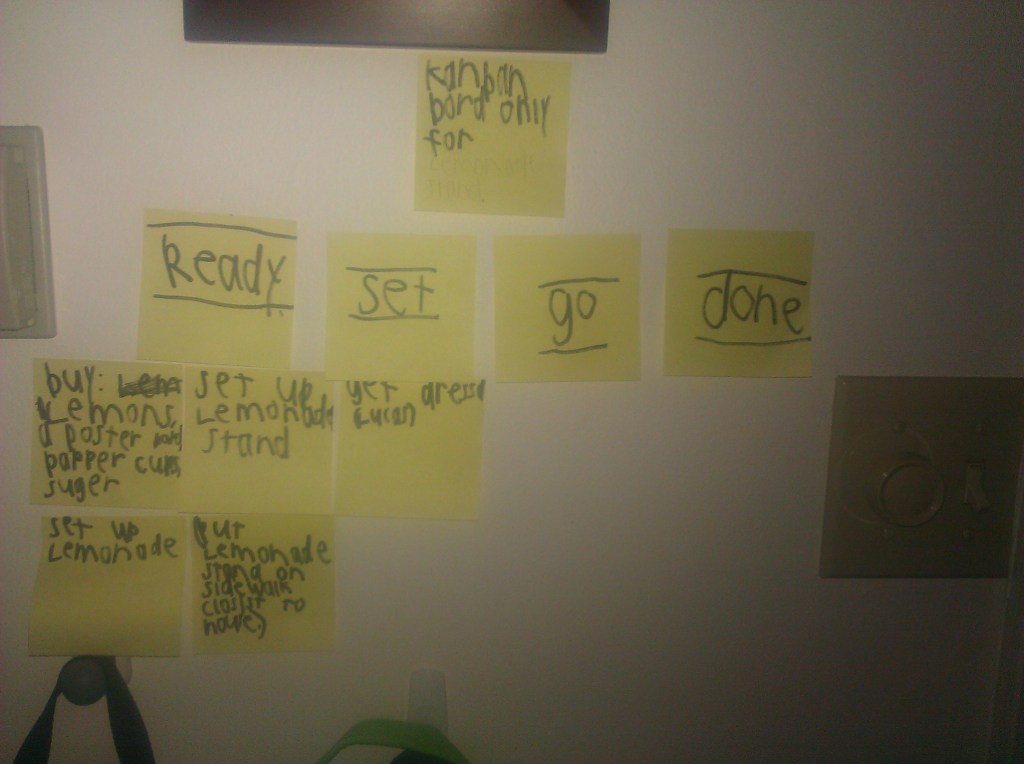
At the top, it says “kanban bord only for lemonade stand”
Final thoughts
I’ll add more details here later, but for now, please at least explore the Personal Kanban video above. You may be glad you did. 🙂
From the copy for the book:
“Personal Kanban asks only that we visualize our work and limit our work-in-progress. Visualizing work allows us to transform our workload into an actionable, context-sensitive flow. Limiting our work-in-progress helps us complete what we start and understand the value of our choices.
Combined, these two simple acts encourage us to improve how we work to balance our personal, professional, and social lives.“
And please reach out with any questions about how to apply this framework to your work and life tasks.
| To do | Doing | Done |
What is your value stream?

Discover more from sharing perspectives
Subscribe to get the latest posts sent to your email.
 sharing perspectives
Trackbacks & Pingbacks